
Brand and marketing teams
You keep the files and the rules, and want everyone, people and agents, to use the right ones without asking you.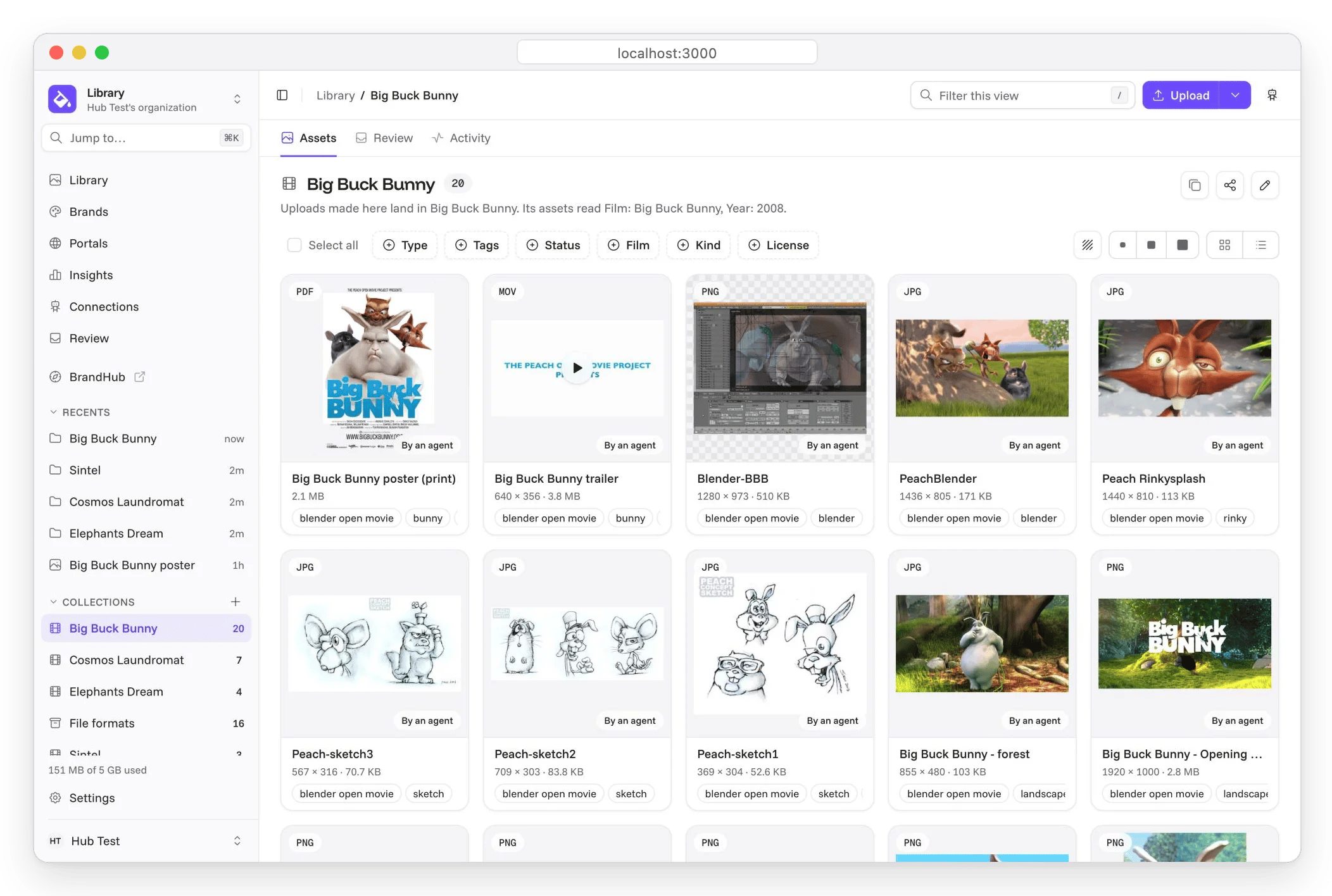
- The library. Upload, tag, find, review what others add, and replace a file with its new version so old links follow. Assets
- The guidelines. Colors, logos, type and voice as rules, laid out as pages in the builder, released when ready. The canon
- Portals. A press kit or a partner hub on its own address, showing only what may be used. Portals
- Check before use. “Can I use this?” in an asset’s dialog says whether it may run in a country, a channel and a context, and names what to use instead. May I use this?
- Who sees what. A role on the organization, a workspace, a collection or one asset, and share links for people without an account. Who sees what, Sharing
Developers
You want the brand in code and in agents, never pasted in by hand.- The API. Every call the app makes, with an OpenAPI spec. REST API
- MCP. One URL, a consent screen, a key bound to you. MCP
- The CLI. Search, check, renditions, and a brand pushed from files. CLI
- Brand as code. The brand as YAML in a Git repository, synced both ways, checked in pull requests. Brand as code
- Tokens and standards. W3C design tokens, CSS, Tailwind, AdCP
brand.json, DESIGN.md and llms.txt. Open standards
Agencies
You run brands for clients, each kept apart, each delivered under its own name.- A workspace per client. Assets, brands, portals and keys kept apart: a grant on one workspace reaches nothing in another. Workspaces, Who sees what
- Portals on the client’s domain. Prove the domain once, then give it to the client’s portal. A domain of its own
- Your name on the product. Name, logo, colors and email sender for the app, sign-in, share links and portals. White-labeling
- Invitations. Invite a client’s team or a freelancer to one collection, not the library. People and access